




Get a code
Order printed QRChat stickers or create a code in your free account and print it yourself — the first 100 codes are free.

Lost & found
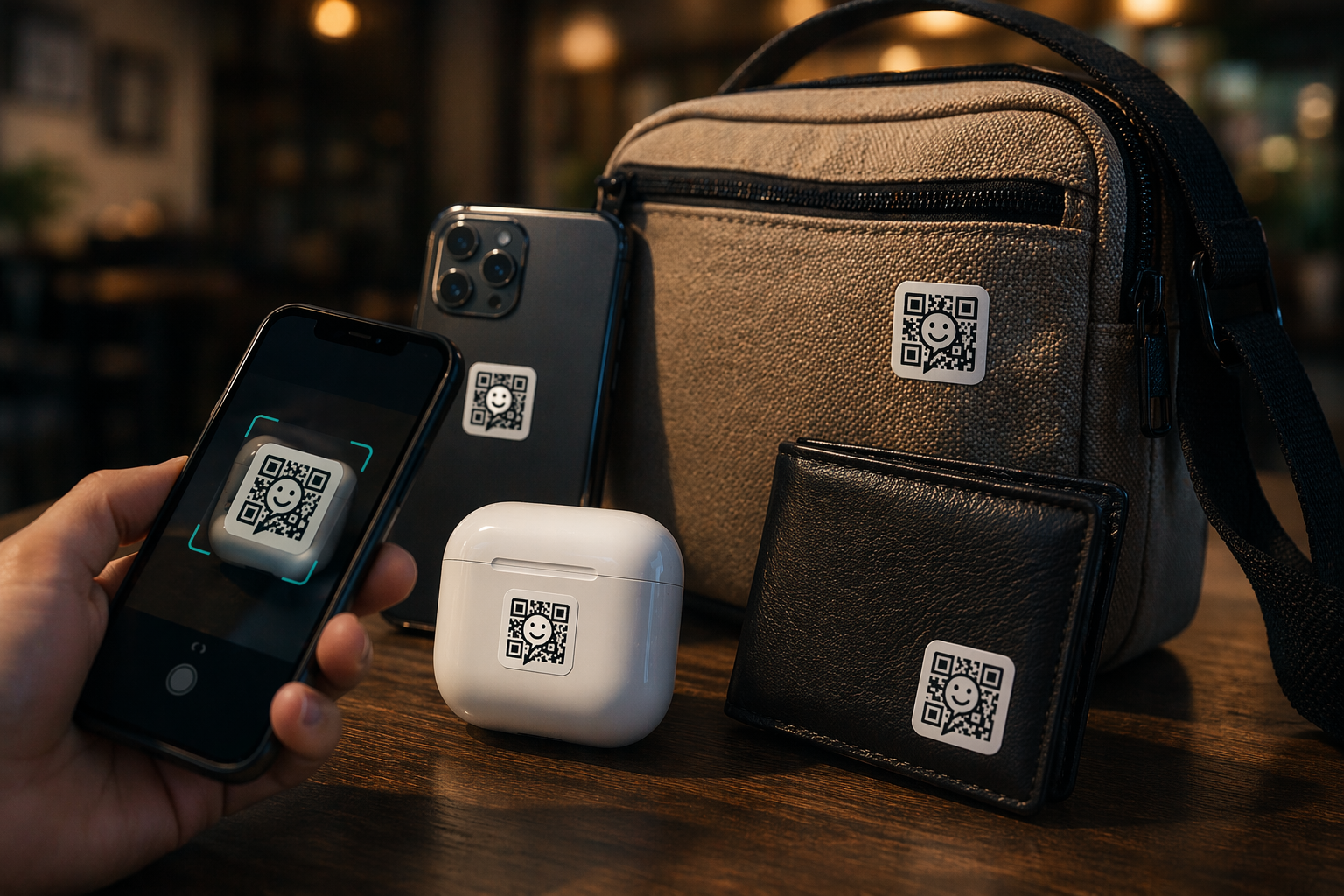
Losing keys, a backpack or a pet is stressful — and a paper tag with your phone number hands your contact details to strangers. QRChat puts a scannable chat link on anything you own: the finder scans, writes to you anonymously, and you arrange the handover without ever sharing your number.
Video tutorial
The full activation flow on a real phone: scan the code, set it up in the wizard, and see exactly what the finder sees. The video plays in your language automatically.
How It Works
Order printed QRChat stickers or create a code in your free account and print it yourself — the first 100 codes are free.
Scan the code with your phone — the setup wizard opens in the browser. Choose “Lost & found”, name the item and write a welcome message. No registration needed, or link the code to your account.
Print the code and stick it on keys, luggage, a laptop or headphones, or attach a printed tag to your pet's collar. The caption "Scan to return" tells finders exactly what to do.
The moment someone scans, they can message you right in the browser — no app or account needed — and you get a notification immediately.
Use cases
The finder chats with you through QRChat, so your phone number and email are never printed on the tag or shown to anyone.
Any smartphone camera opens the chat in the browser. The finder doesn't need an app or an account to reach you.
Get notified by push, Telegram or email the moment someone scans your tag and writes, so you can respond while the finder is still nearby.
Your first 100 QR codes are free — enough to tag keys, bags, bikes, gadgets and every pet in the house.
Answers
Anything you'd hate to lose: house keys, backpacks, luggage, laptops, e-readers, headphones, bikes, strollers and pet collars. One code per item works best, so you know exactly what was found.
No. Scanning the code with a normal camera app opens a chat page in the browser. The finder can write to you within seconds, without an app or registration.
No. The tag only shows the QR code and a short caption. The chat happens through QRChat, and you decide what to reveal when arranging the return.
QRChat can notify you by browser push, Telegram or email as soon as a message arrives, and you can also see every scan of your code in the dashboard.
Lost & found
Creating a Lost & Found code takes under a minute, and it's free. Print it, stick it on, and stop worrying about lost things.